February 24, 2026
Go-Live at the Southwest Terminal (SWT) – Trucking Company Update Q2.2026
Dear trucking community,
passify will go live at the South-West Terminal (SWT) as part of the German Ports Release Order. This will implement the same principle at SWT that you are already familiar with from the HHLA terminals in Hamburg. A mandatory implementation date will be announced in the coming days. Please begin preparing your drivers for these changes.
Important: The usual slot booking process via DAKOSY will remain unchanged. What is new is that drivers will additionally need to use the passify app in order to operate trips at SWT.
What changes for drivers
1. Before driving to SWT
Step 1: One-time setup: Register in passify
If a driver does not yet have an account, they must download the passify app and complete a one-time registration, including verification with an ID document.
Step 2: Pre-registration in the app
Before arriving at the terminal, the driver completes a short pre-registration in the passify app. This saves time at the gate and helps prevent congestion for all drivers.
In the app, under “Slots” at SWT, the driver creates a slot and provides the following information:
- Transport direction (Terminal IN or OUT)
- License plate number
- Transport company
Important:
- This is not a time-slot booking. The driver is only submitting their data in advance.
- The driver can only select trucking companies they are connected with in the app.
2. At the terminal
Step 3: Check-in with passify
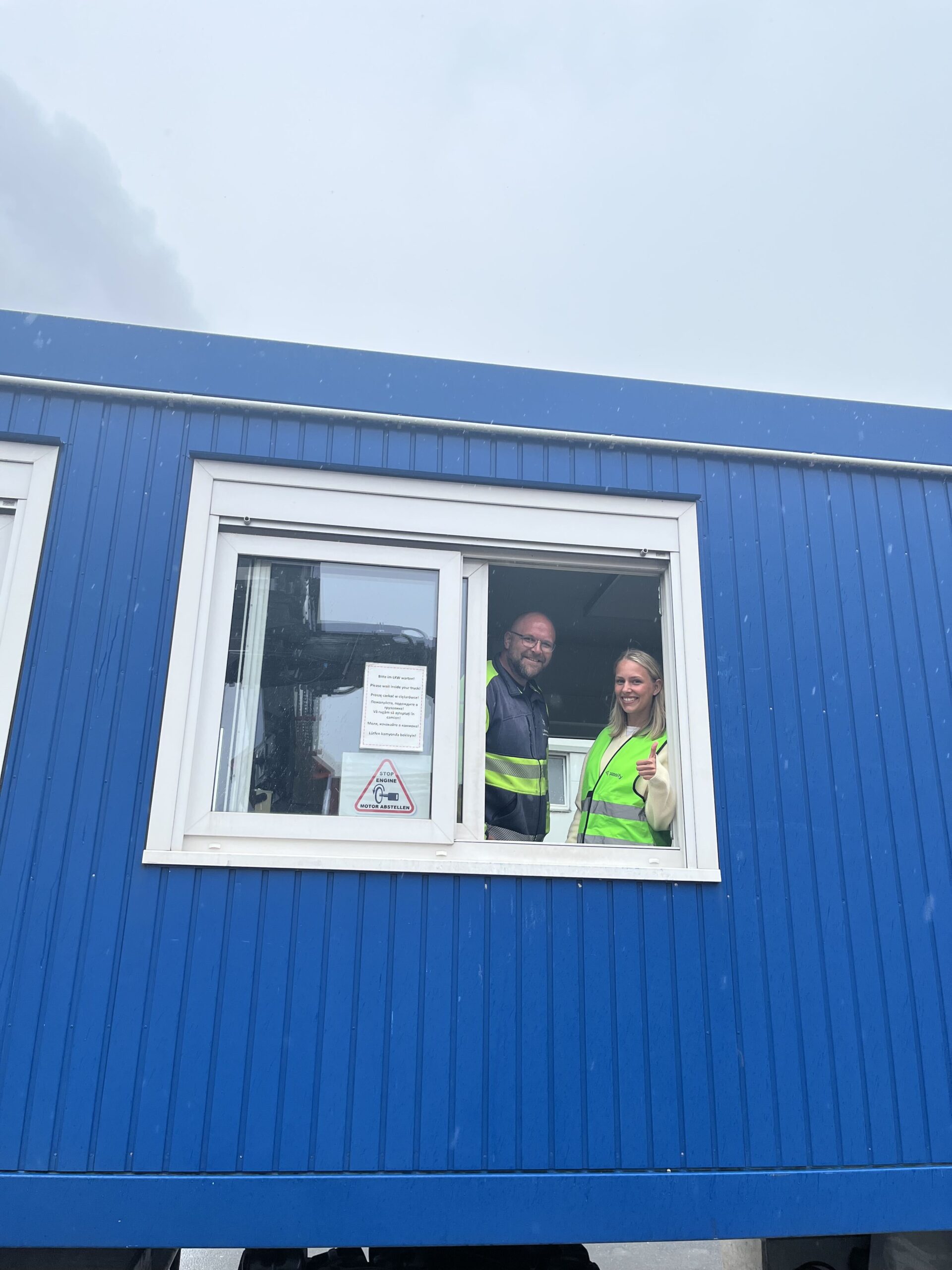
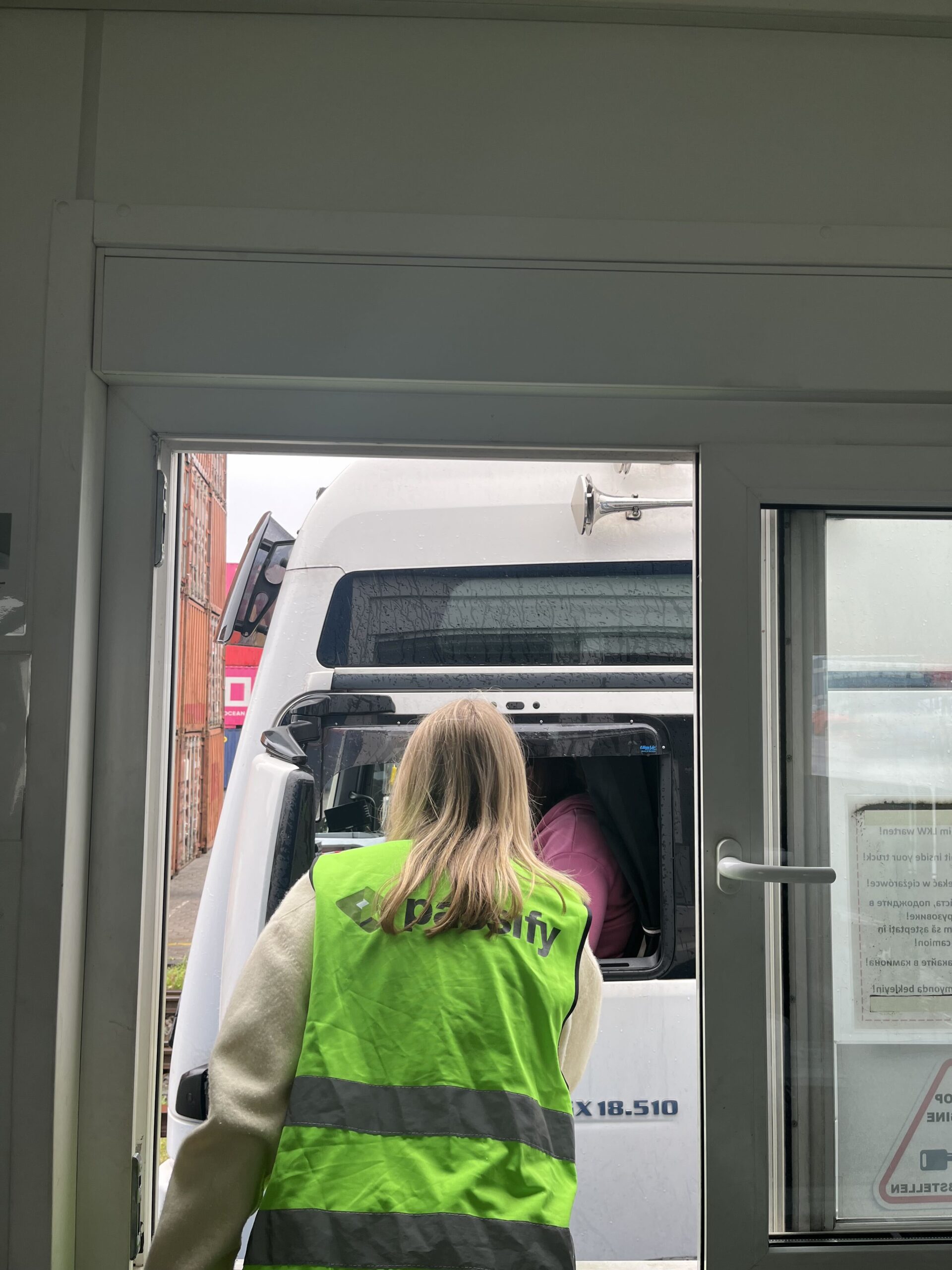
At the gate, the driver selects SWT as the terminal in the app and taps “Check-in”. They then select the correct slot and confirm. The app will display a slot ID, which the driver must show at the window.
No QR codes need to be scanned. The driver only needs to present the slot ID at the window.
Step 4: Don’t forget to check out
After completing the trip, please check out in the app. Only then can the driver check in again for a new trip.
Further Information
Here you find a detailed step-by-step guide for your drivers:
https://app.supademo.com/demo/cmo6soyxe06xv010jesdihae0?preview=true&step=1
Further instructions can be found in our Help Center and at passifyapp.de/news/.
If you have any questions, we are happy to assist via the usual support channels.
Kind regards,
Your passify team
Reminder: What transport companies need to keep in mind
Companies that have already synchronized with German Ports as part of the go-live at CTT, CTA, or CTB do not need to take any further action, except ensuring that all drivers operating at SWT are connected to the company in the app.
Please regularly check:
- Your synchronization status
- Approve pending driver requests
- Invite missing drivers or subcontractors
- Remove inactive drivers
Helpful demo videos:
Best regards
The passify Team